Company Desktop: User Experience Redesign Project
On July 1, 2026, the Desk Ops test agent applied the approved user-experience standard to a Windows 11 24H2 reference desktop in the Desk-Ops lab, built to the Company Desktop specification, and verified the outcome. All 28 configuration items passed verification by registry read-back, the full session was recorded, and no manual intervention was required. This report presents the scope, the evidence, and the verification record.
The standard applied, captured live
The recording below shows the lab desktop during the run, as a silent screen capture of the agent’s session. The prior configuration goes in; the approved user experience comes out: corporate wallpaper rendered, slate accent applied, search box and Task View removed.
Prefer stills? See the take frame by frame
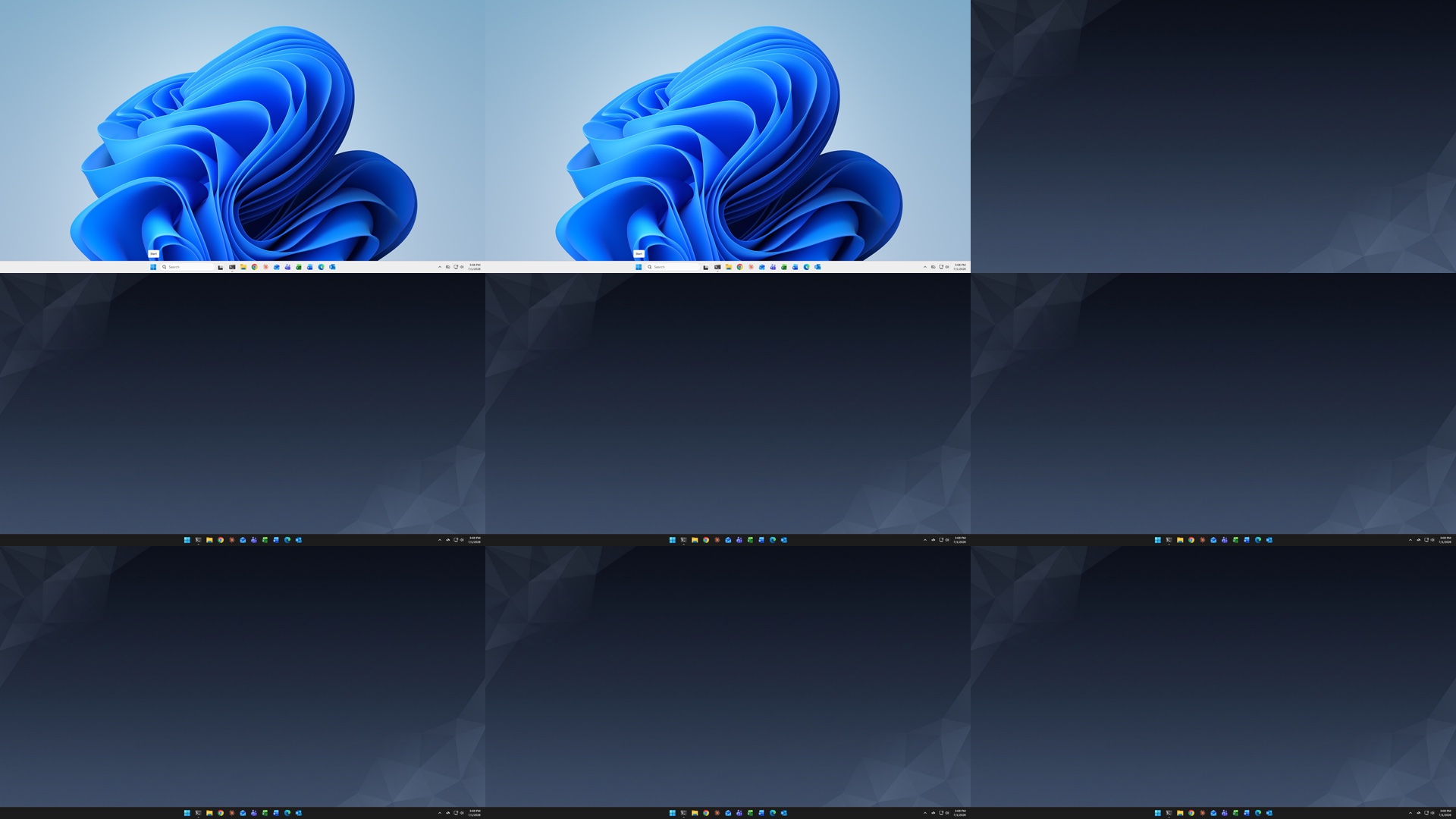
Configuration state, before and after
The same machine, minutes apart. Items staged earlier that day were re-verified rather than re-applied; items out of compliance (dark theme, taskbar accent, search box, Task View) were corrected during the run. All 28 settings ended the run verified compliant.
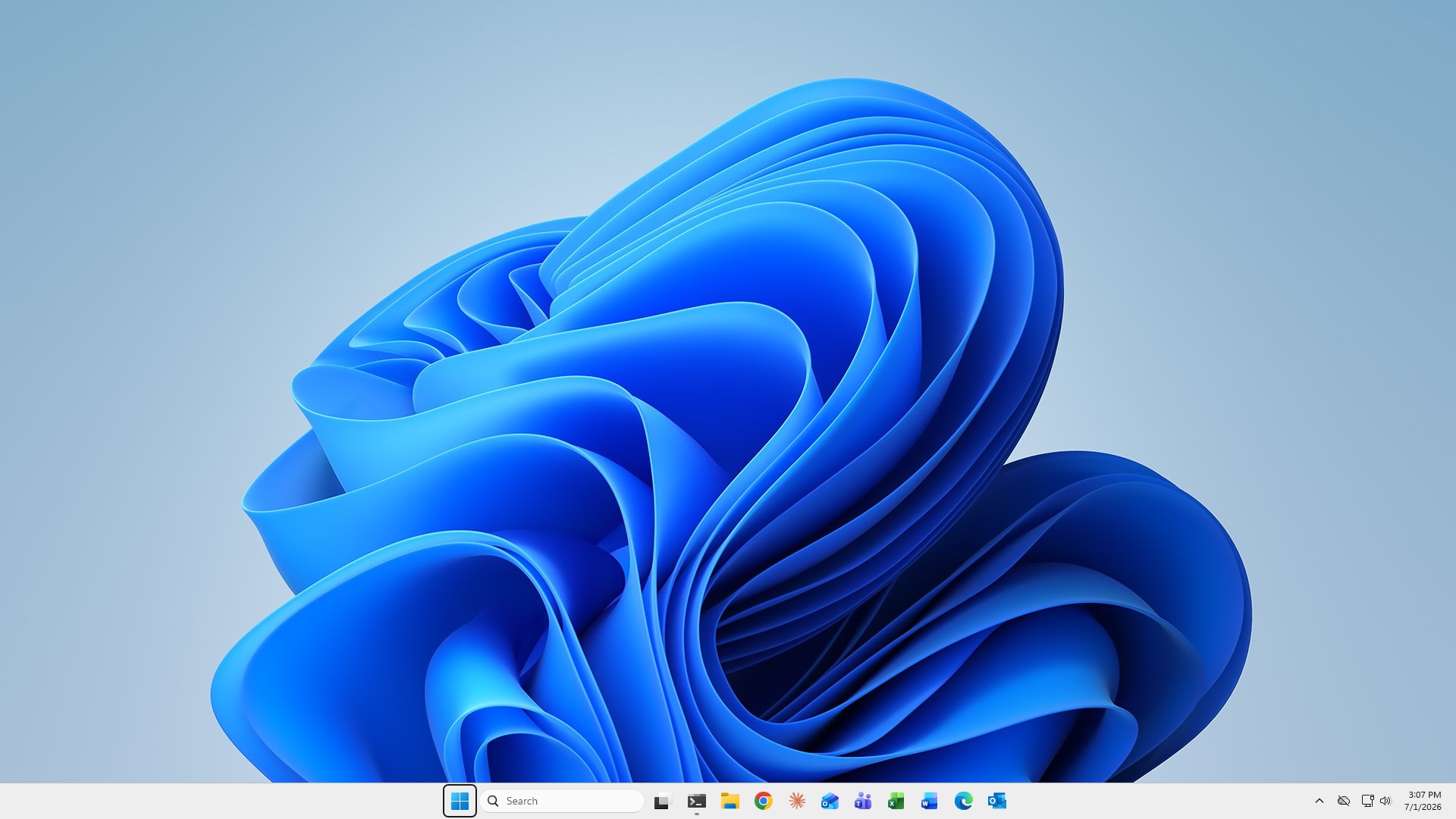
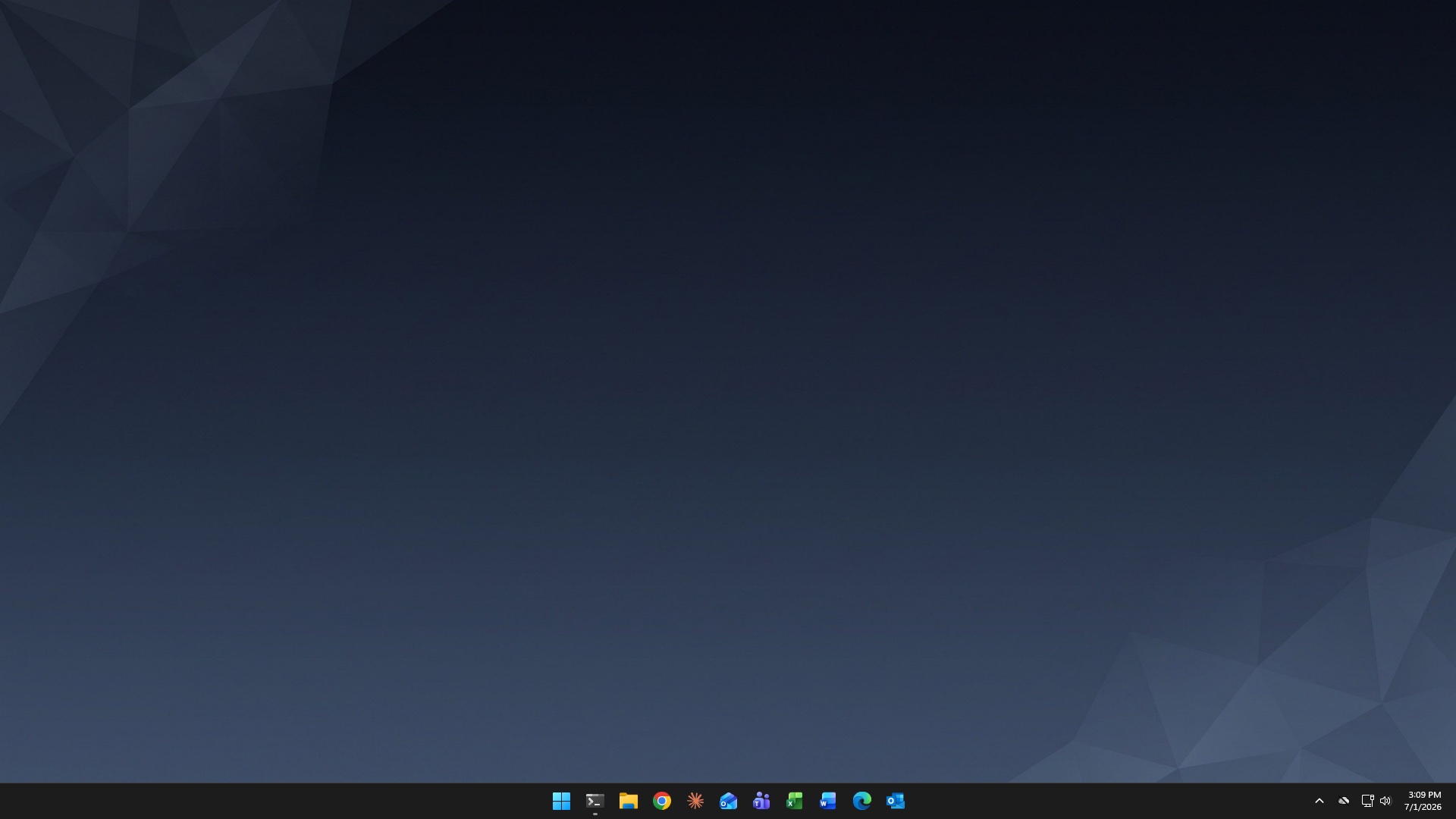
The accent applied is the approved corporate slate, #69797E, taken from the reference desktop, with the full ramp Windows derives from it.
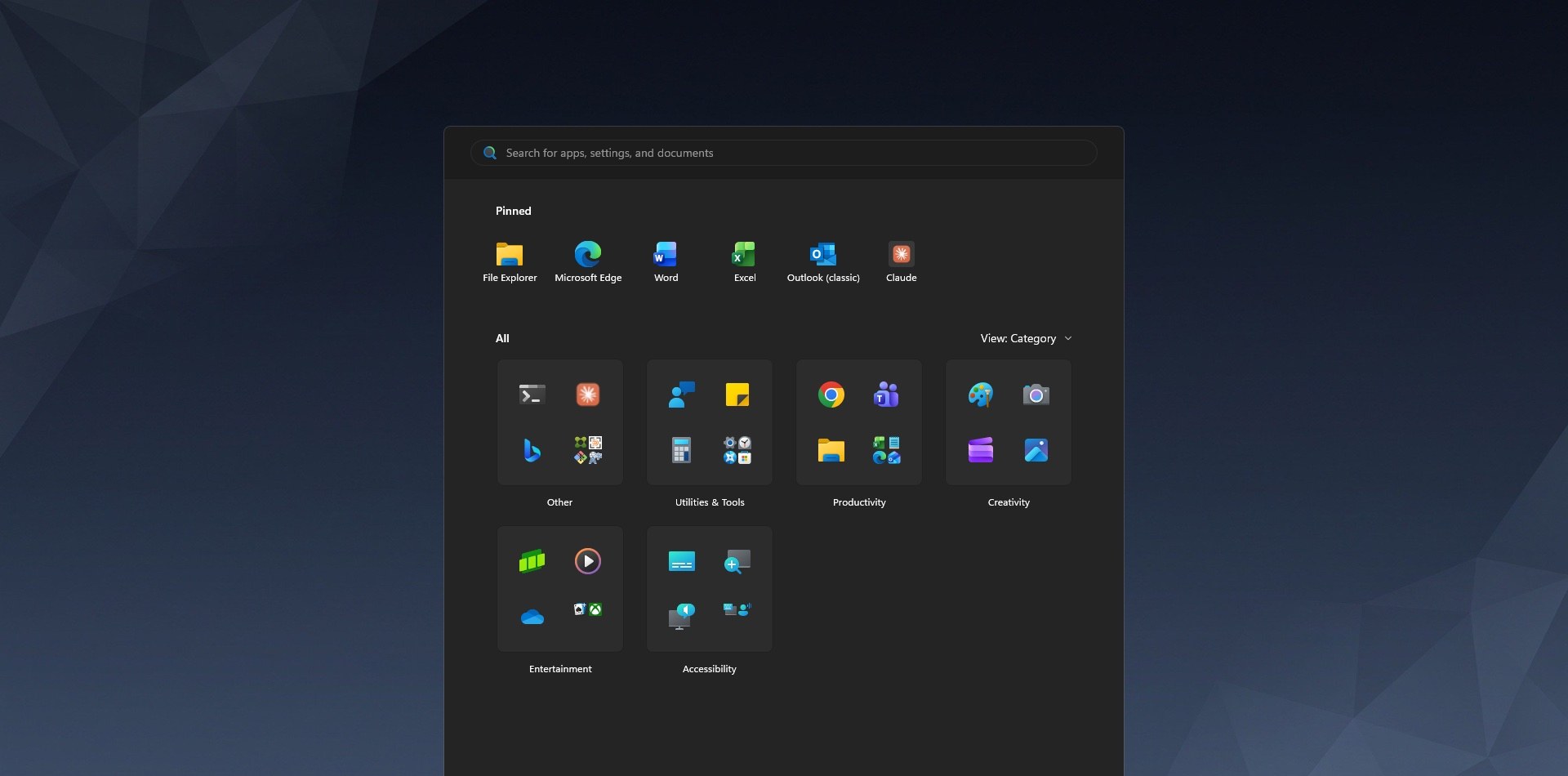
Start menu, configured to the approved layout
After the run, Start shows the six approved applications (File Explorer, Edge, Word, Excel, Outlook, Claude) and the “Recommended” feed is disabled. One documented platform limitation applies: Windows 11 24H2 does not allow policy to replace the taskbar’s existing pins, so this machine retains the pins it already had. The pin policy itself is set and verified in the registry and takes effect on new profiles and rebuilt images.
Each setting verified against the approved target
Screenshots document the rendered state; the verification record documents the configured state. After applying the standard, the agent read each of the 28 settings back from the Windows registry and compared it against the approved target. Every row below is an actual value from the machine, before and after.
| Setting | Before | After (verified) | Check |
|---|---|---|---|
| Theme & accent | |||
| Dark mode (apps) AppsUseLightTheme | 1 | 0 | ✓ set & verified |
| Dark mode (system) SystemUsesLightTheme | 1 | 0 | ✓ set & verified |
| Accent color AccentColor | 1769569792 | 1769569792 | ✓ confirmed |
| Accent on title/taskbar ColorPrevalence | 0 | 1 | ✓ set & verified |
| Transparency / blur EnableTransparency | 1 | 1 | ✓ confirmed |
| Wallpaper & lock screen | |||
| Desktop wallpaper (path) DesktopImagePath | C:\Windows\Web\Wallpaper\corp-standard.jpg | C:\Windows\Web\Wallpaper\corp-standard.jpg | ✓ confirmed |
| Desktop wallpaper (url) DesktopImageUrl | file:///C:/Windows/Web/Wallpaper/corp-standard.jpg | file:///C:/Windows/Web/Wallpaper/corp-standard.jpg | ✓ confirmed |
| Desktop wallpaper (status) DesktopImageStatus | 1 | 1 | ✓ confirmed |
| Lock screen (path) LockScreenImagePath | C:\Windows\Web\Wallpaper\corp-standard.jpg | C:\Windows\Web\Wallpaper\corp-standard.jpg | ✓ confirmed |
| Lock screen (url) LockScreenImageUrl | file:///C:/Windows/Web/Wallpaper/corp-standard.jpg | file:///C:/Windows/Web/Wallpaper/corp-standard.jpg | ✓ confirmed |
| Lock screen (status) LockScreenImageStatus | 1 | 1 | ✓ confirmed |
| Taskbar & desktop | |||
| Taskbar align center TaskbarAl | 1 | 1 | ✓ confirmed |
| Hide Task View button ShowTaskViewButton | 1 | 0 | ✓ set & verified |
| Hide Widgets button TaskbarDa | 0 | 0 | ✓ confirmed |
| Combine buttons, no labels TaskbarGlomLevel | 0 | 0 | ✓ confirmed |
| Show-desktop corner on TaskbarSd | 1 | 1 | ✓ confirmed |
| Hide Chat/Meet button TaskbarMn | 0 | 0 | ✓ confirmed |
| Hide desktop icons HideIcons | 1 | 1 | ✓ confirmed |
| Remove taskbar Search SearchboxTaskbarMode | 2 | 0 | ✓ set & verified |
| Start menu & pins | |||
| Kill Start Recommended HideRecommendedSection | 1 | 1 | ✓ confirmed |
| Hide Recently added HideRecentlyAddedApps | 1 | 1 | ✓ confirmed |
| Force-hide Most used ShowOrHideMostUsedApps | 2 | 2 | ✓ confirmed |
| Start pins (allow-list) ConfigureStartPins | {"pinnedList":[{"desktopAppId":"Microsoft.Windows.Explorer"}… full value: {"pinnedList":[{"desktopAppId":"Microsoft.Windows.Explorer"},{"desktopAppId":"MSEdge"},{"desktopAppId":"Microsoft.Office.WINWORD.EXE.15"},{"desktopAppId":"Microsoft.Office.EXCEL.EXE.15"},{"desktopAppId":"Microsoft.Office.OUTLOOK.EXE.15"},{"packagedAppId":"Claude_pzs8sxrjxfjjc!Claude"}]} | {"pinnedList":[{"desktopAppId":"Microsoft.Windows.Explorer"}… full value: {"pinnedList":[{"desktopAppId":"Microsoft.Windows.Explorer"},{"desktopAppId":"MSEdge"},{"desktopAppId":"Microsoft.Office.WINWORD.EXE.15"},{"desktopAppId":"Microsoft.Office.EXCEL.EXE.15"},{"desktopAppId":"Microsoft.Office.OUTLOOK.EXE.15"},{"packagedAppId":"Claude_pzs8sxrjxfjjc!Claude"}]} | ✓ confirmed |
| Taskbar layout pointer StartLayoutFile | <staging>\pins\taskbar-layout.xml | <staging>\pins\taskbar-layout.xml | ✓ confirmed |
| Taskbar layout enforce LockedStartLayout | 1 | 1 | ✓ confirmed |
| Noise removal — Copilot · Widgets · nudges | |||
| Kill account nudges SubscribedContent-338388Enabled | 0 | 0 | ✓ confirmed |
| Disable Widgets feature AllowNewsAndInterests | 0 | 0 | ✓ confirmed |
| Turn off Copilot TurnOffWindowsCopilot | 1 | 1 | ✓ confirmed |
Registry read-back documents the configured state; the imagery above documents the rendered state. This package carries both. A full verification document pairs this table with the imagery and the verdict in a single file, archived with the change record.
Repeated the same day on a second machine
Earlier the same day, the same pipeline applied an earlier revision of the standard to a second, freshly provisioned Windows 11 desktop and verified it there as well. The procedure is maintained as a runbook the agent follows, so each additional machine receives the same treatment and returns the same report.
Second machine, same pipeline: standard applied and VERIFIED by read-back, with 60 frames recorded.
How each run is performed
Nothing is installed for the run itself and no one touches the keyboard. The agent drives a real session and packages the evidence on completion.
Outcome and next steps
The approved user-experience standard for the Company Desktop is applied and verified. The session recording, the before/after imagery, and the 28-item verification record above constitute the acceptance package for this phase of the project.
The procedure is designed to run on a schedule, so future image revisions and newly provisioned desktops can be held to the same standard and return this same report. Exceptions surface as findings for review rather than as surprises later.